Open Graph templates
Every element — headline, colors, logo, layout — binds to each page’s data. Choose one and your whole site is covered, on brand.
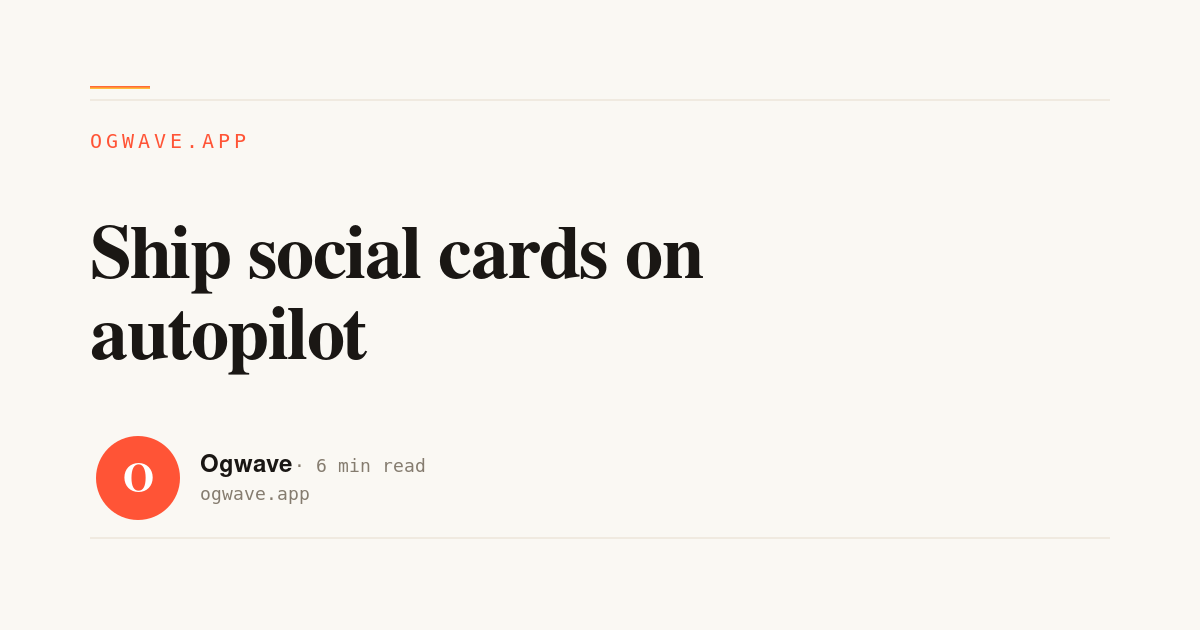
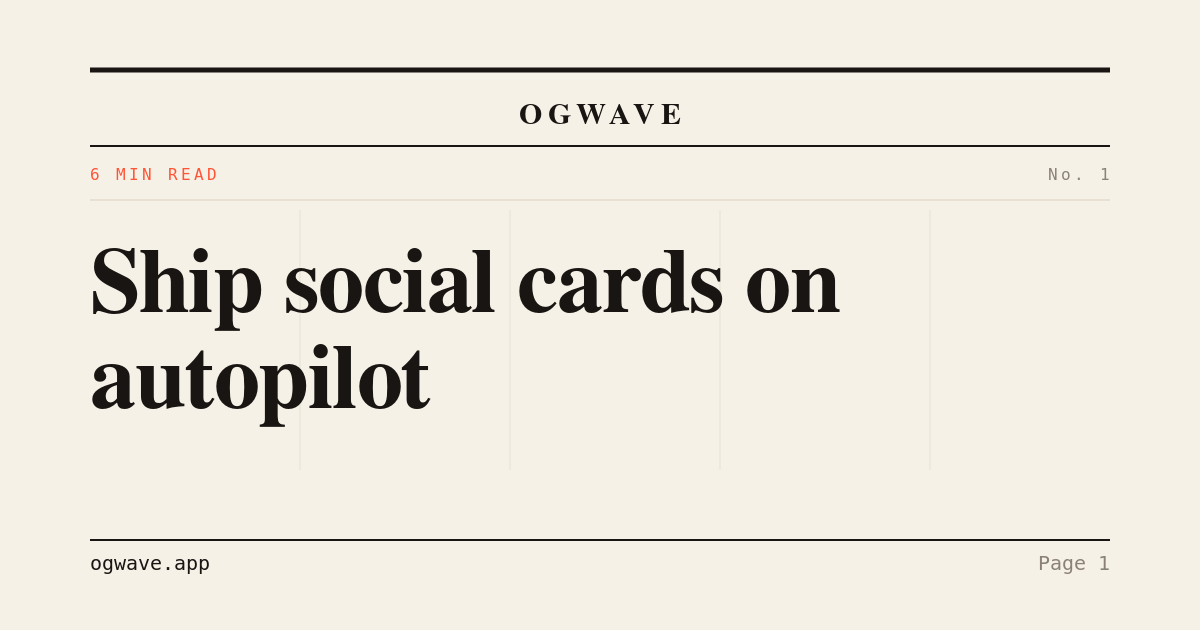
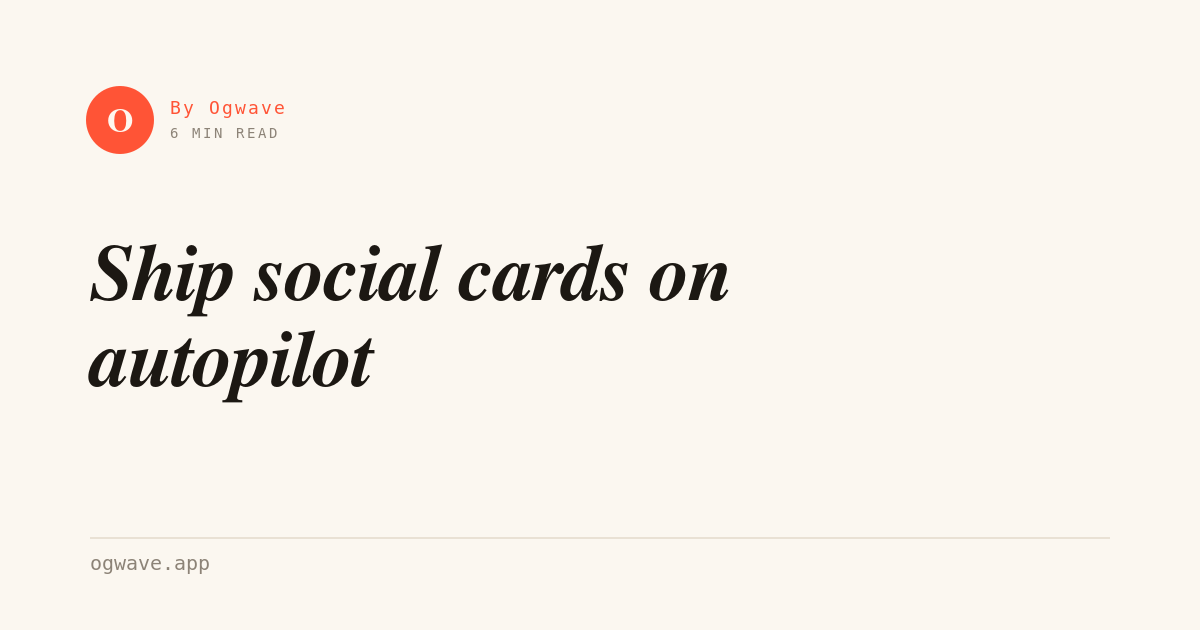
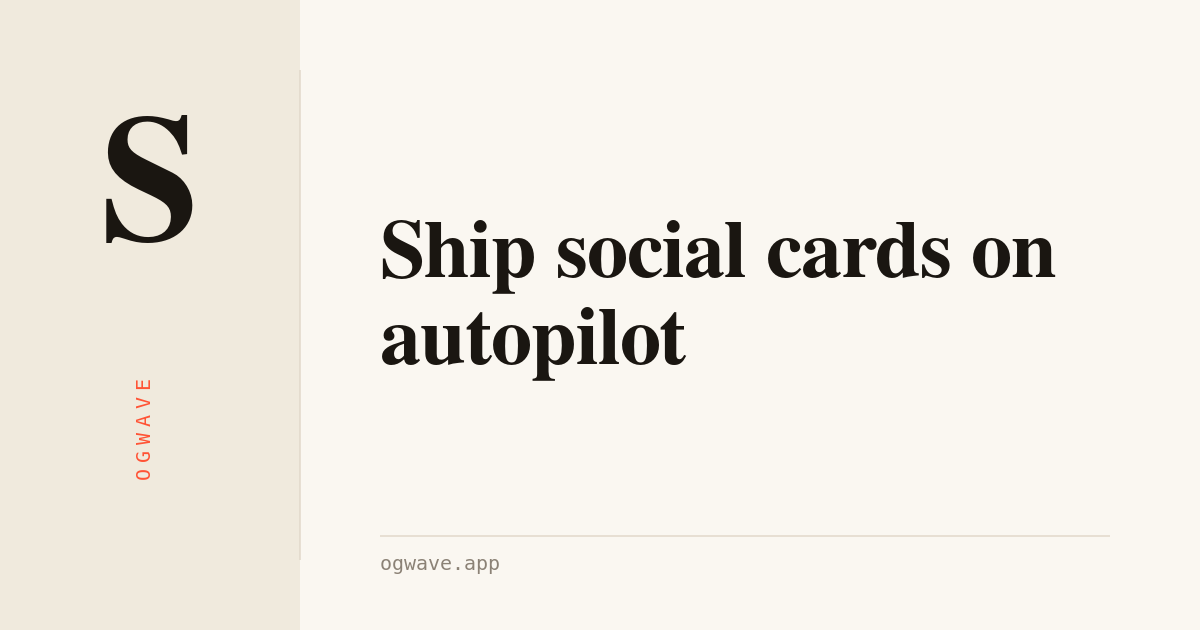
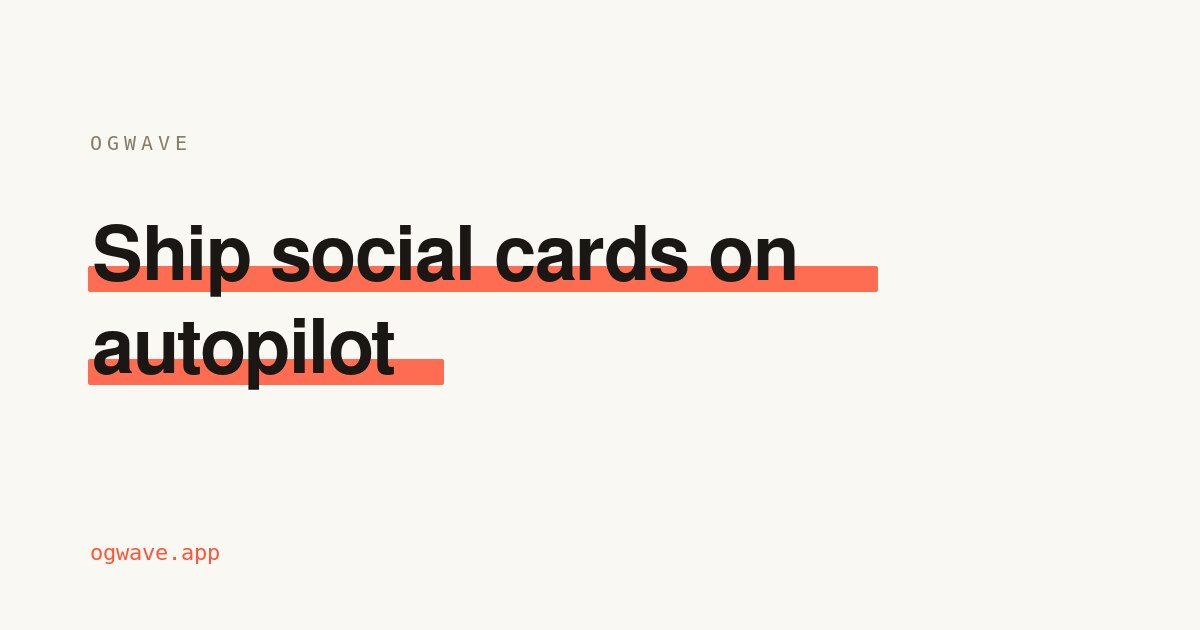
A programmable Open Graph template is a design where nothing is baked in. Instead of one fixed picture, the layout exposes variables that Ogwave fills from each page’s metadata as it renders: {{title}}, {{eyebrow}}, {{site}}/{{host}}, your {{logo}}, an {{accent}} color, a light or dark {{theme}}, and a {{meta}} line (read time, date, author). Pick a template once and every URL on your site — posts, products, docs, landing pages — gets its own on-brand open graph image automatically, with text that auto-fits so long and short titles both look right. Every card renders at 1200×630 pixels — the 1.91:1 ratio Facebook, X, LinkedIn, Slack, Discord and WhatsApp expect — with important text kept inside the centre safe zone so nothing is cropped. Browse the 54 templates below by use case, then bind one to your brand.
Blog & article templates
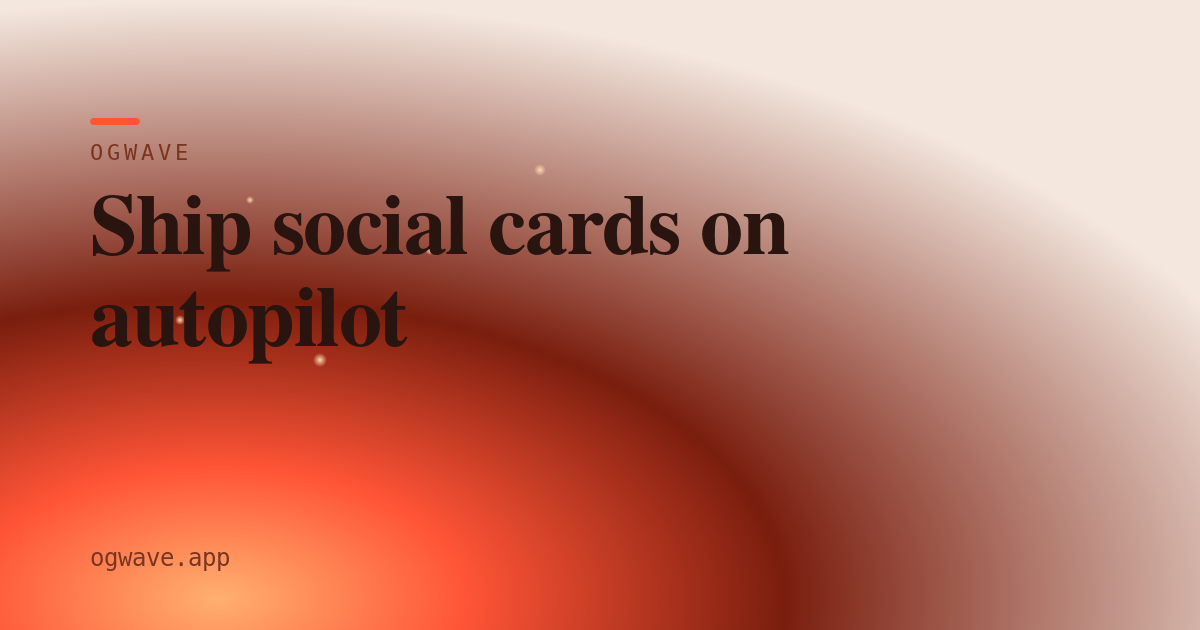
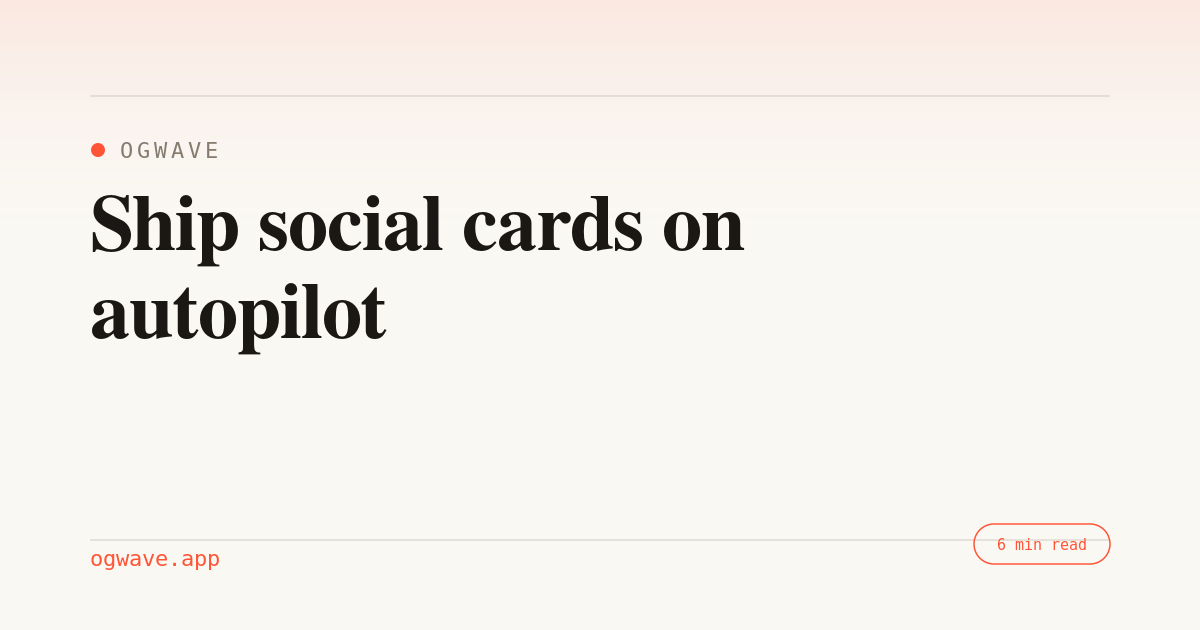
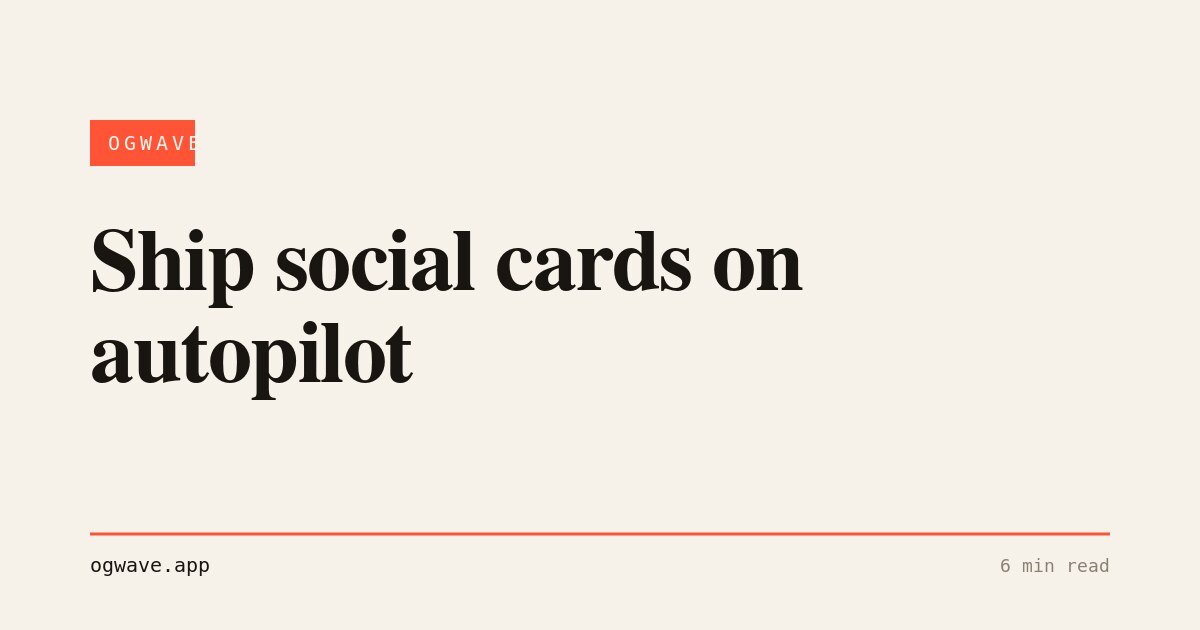
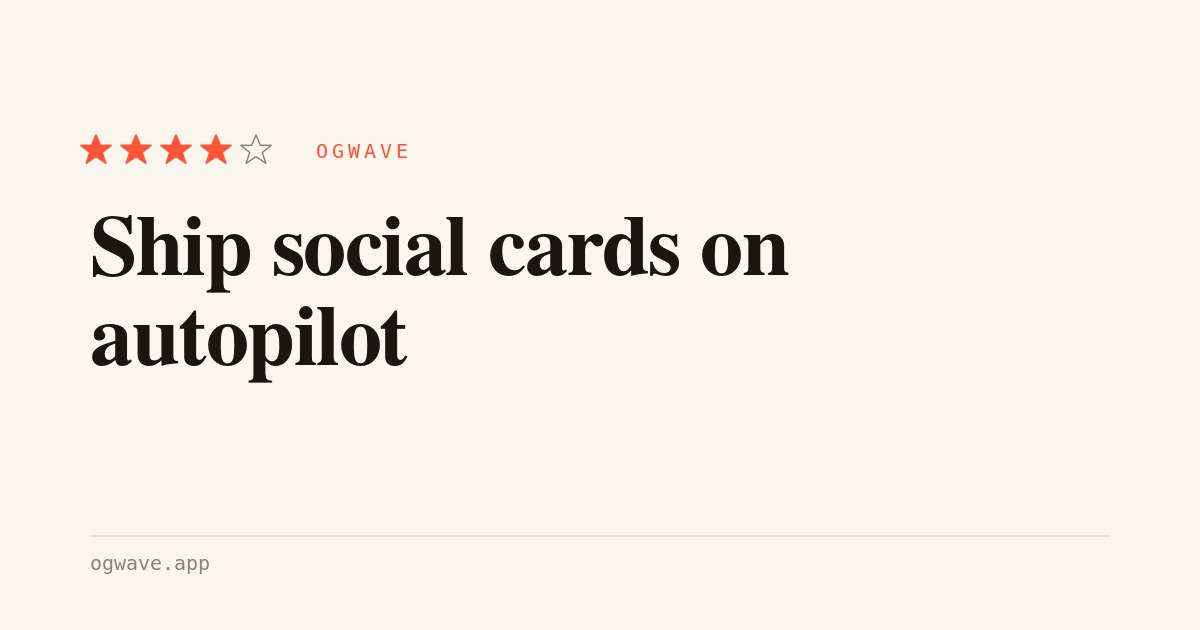
Editorial layouts built for posts and articles — clear headline hierarchy, byline and read-time. Ideal for an open graph template that has to read well across long and short titles alike.
How to customise a template
Every template above is a starting point, not a finished asset. Binding one to your brand takes a couple of minutes.
Pick a template
Choose the layout that fits the page type — a blog template for posts, a product card for launches, a docs style for references. Each one already handles long titles and a missing logo gracefully.
Bind your brand
Set your accent color, drop in a logo and choose light or dark. These map to the {{accent}}, {{logo}} and {{theme}} variables, so the look stays consistent across every generated open graph image.
Let Ogwave fill the rest
Connect your sitemap.xml and Ogwave reads each page’s title and metadata into the remaining variables, renders a 1200×630 PNG per URL, and serves it behind a single og:image tag — kept in sync as you publish.